PRODUCT LINE 03 / TDM
Touch and display. Integrate CTP / PCAP and LCM with coordinated covers, bonding, connections and mounting for a complete touch and display assembly.
CTP + LCM Touch Display Assembly
DaMing product photography PRODUCT GALLERY
Get to know the product. Explore real DaMing assemblies and touch integration, from the viewing surface to rear connections.
The gallery shows assemblies and integration details. Display size, touch points, bonding and interface combinations are confirmed per project.
DaMing product photo · physical form
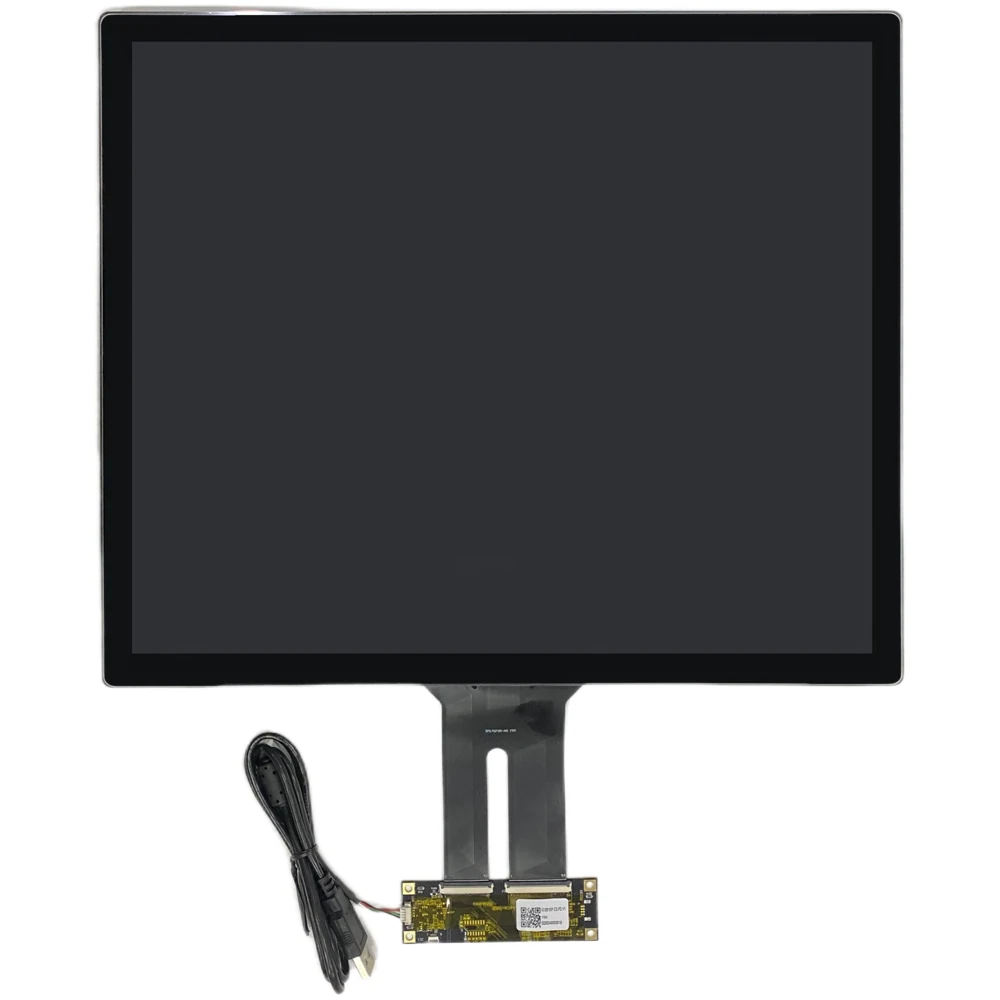
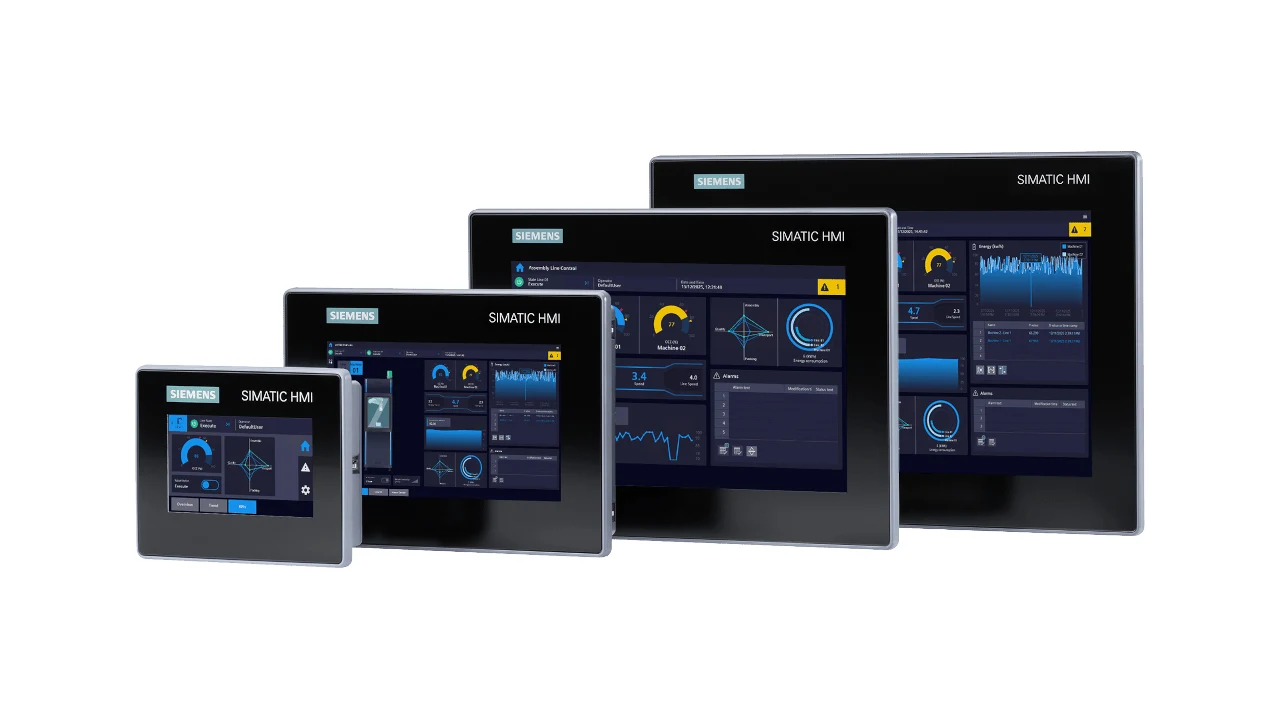
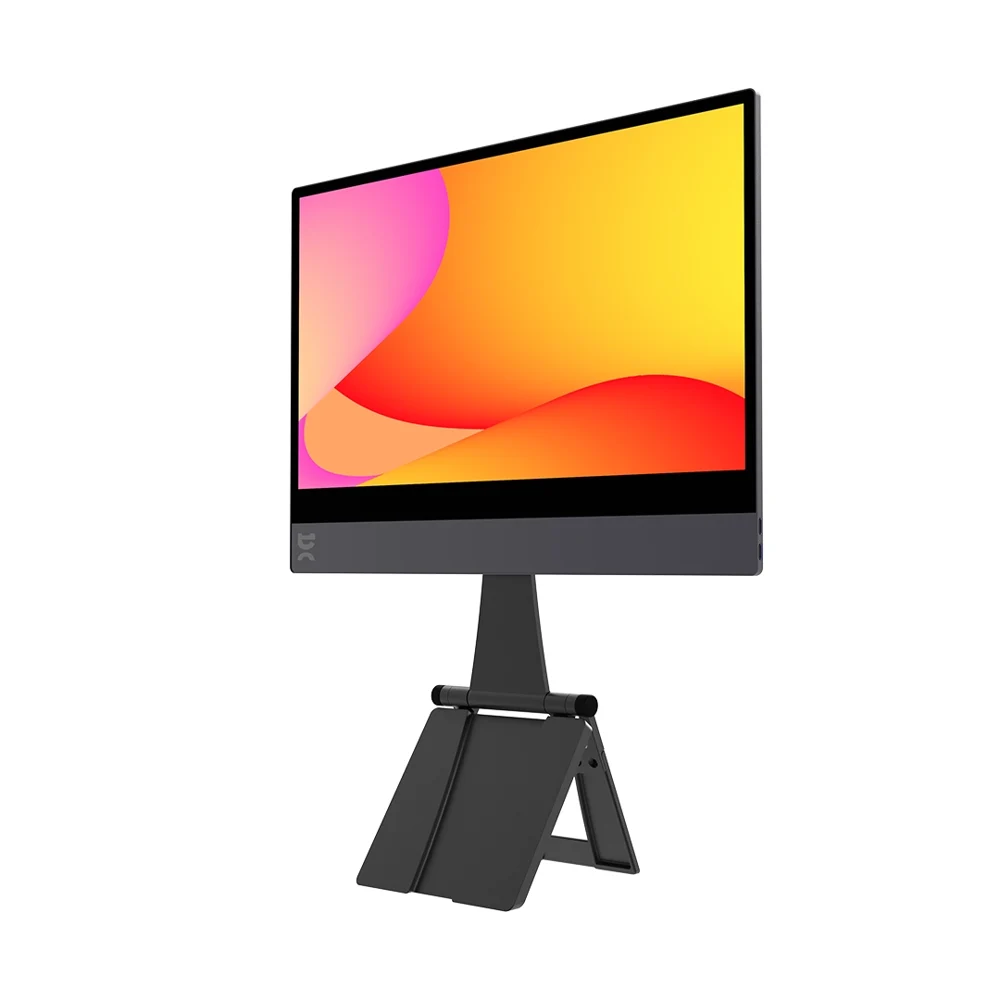
Touch display assembly · front A front view of the touch/display assembly and surrounding frame.
Specifications & applications
Shown Touch display assembly · front
Selection inputs Size / interface / mounting space / environment
Specification Confirm against the model and project drawing Applications to explore
Enquire about this product ↗ DaMing product photo · physical form
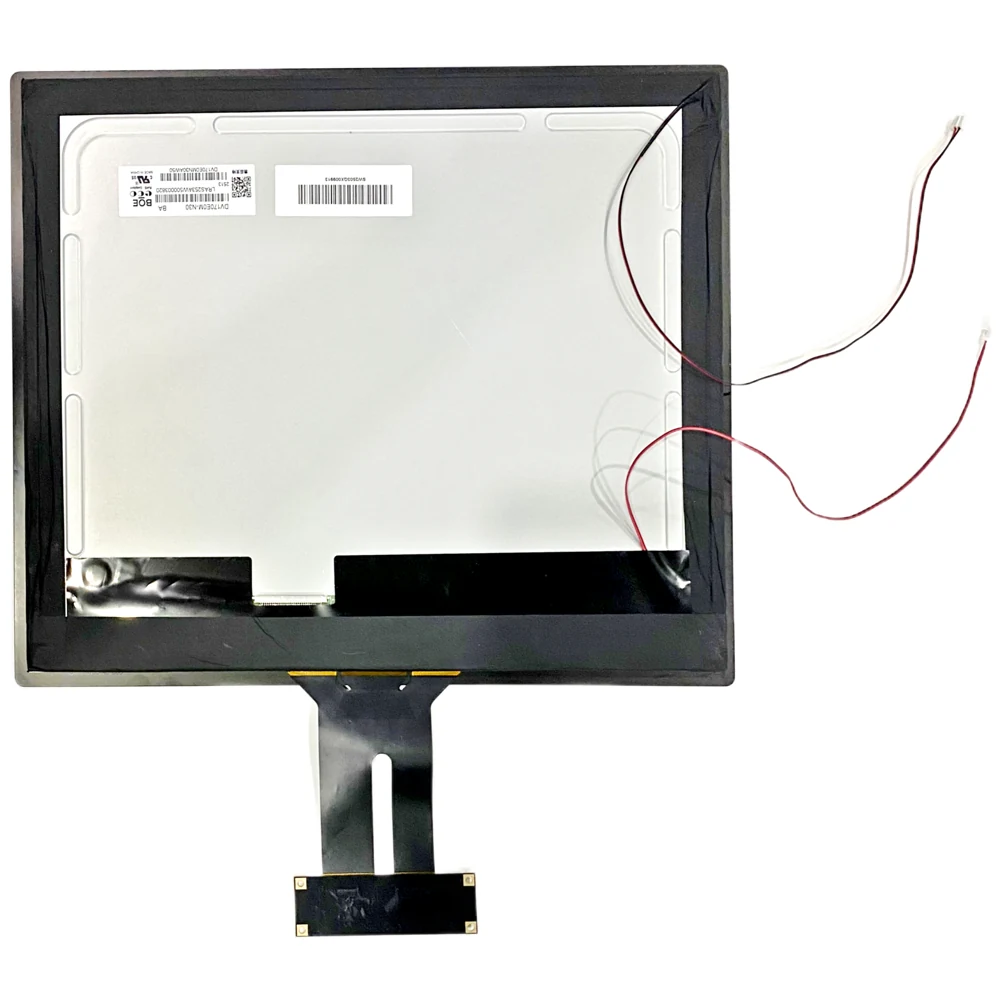
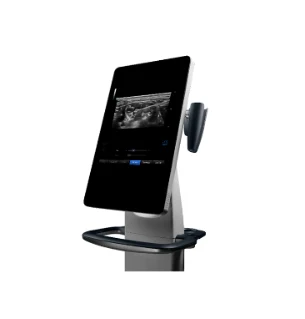
Display assembly · rear Review rear construction and connections for enclosure space and assembly planning.
Specifications & applications
Shown Display assembly · rear
Selection inputs Size / interface / mounting space / environment
Specification Confirm against the model and project drawing Applications to explore
Enquire about this product ↗ DaMing product photo · physical form
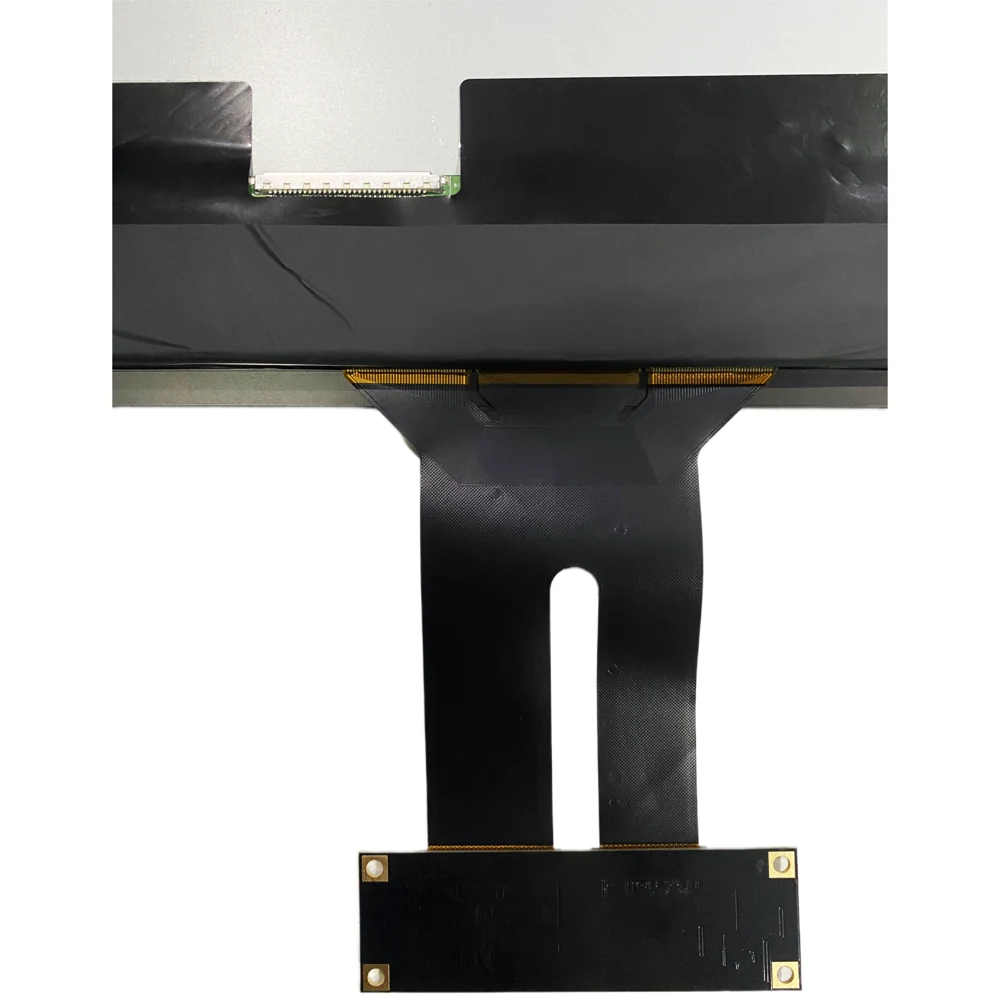
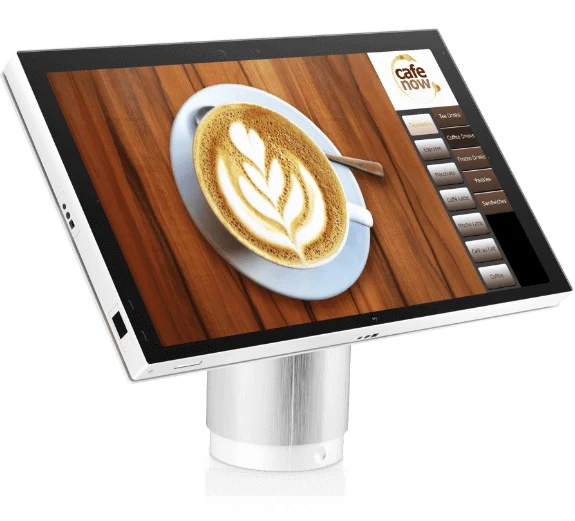
Assembly controls & connections Review controller and FPC placement for coordinated host and cable evaluation.
Specifications & applications
Shown Assembly controls & connections
Selection inputs Size / interface / mounting space / environment
Specification Confirm against the model and project drawing Applications to explore
Enquire about this product ↗ DaMing product photo · physical form
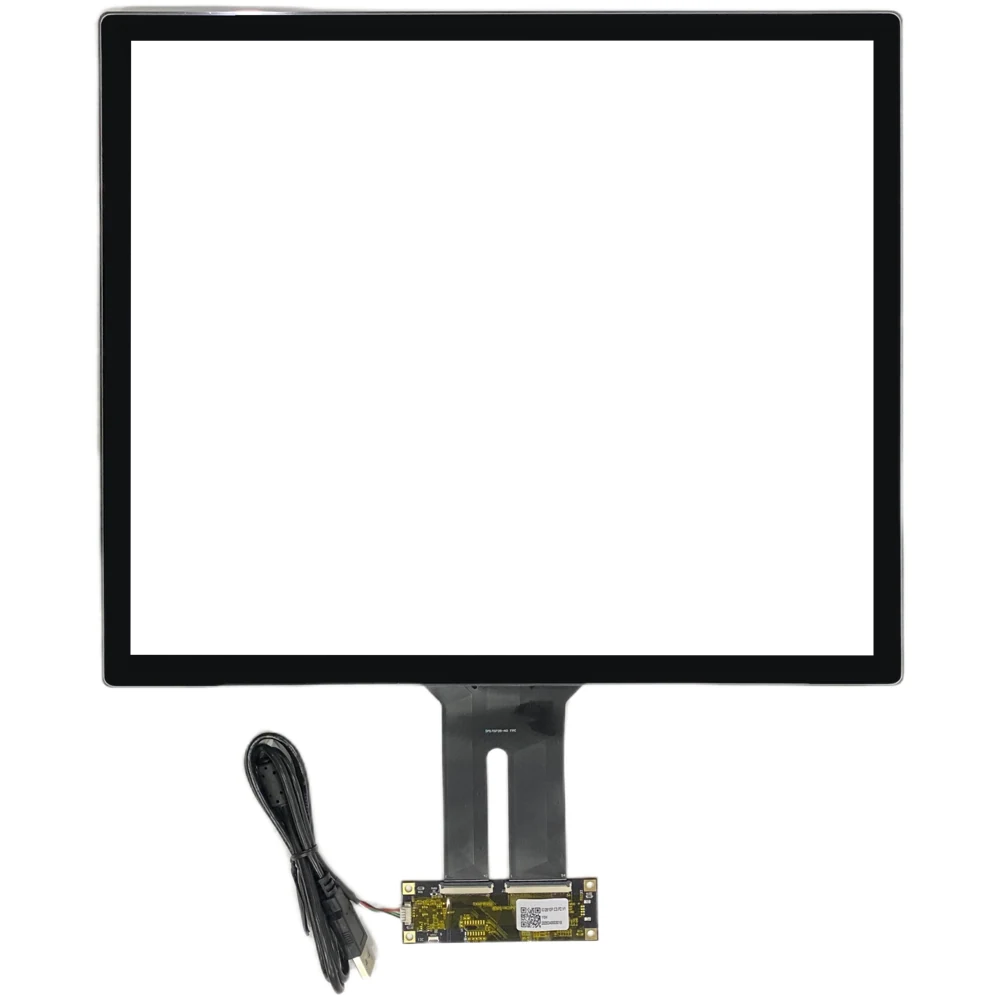
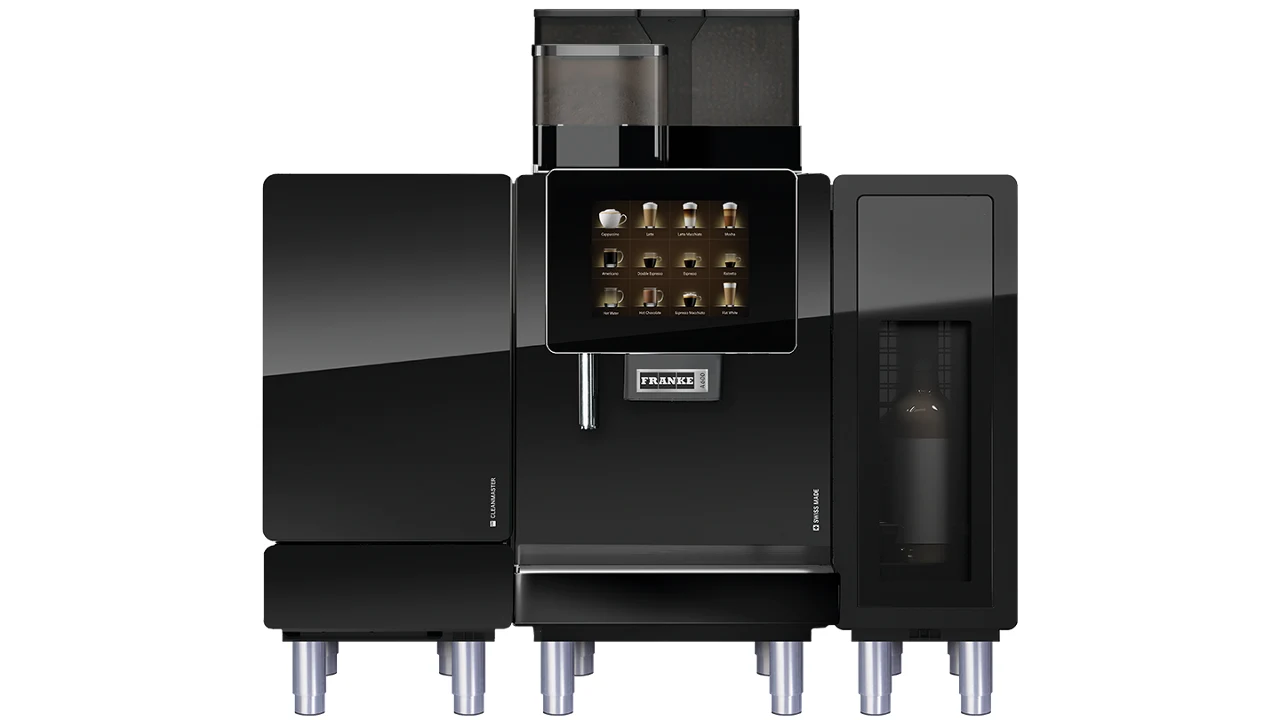
Touch component integration A touch component with its controller, for assembly discussion around the chosen LCM.
Specifications & applications
Shown Touch component integration
Selection inputs Size / interface / mounting space / environment
Specification Confirm against the model and project drawing Applications to explore
Enquire about this product ↗ SELECTION GUIDE
Define integration around the device. Selection references; models, specifications and supply scope are confirmed per project.
01 Embedded device assemblies For industrial, medical and equipment controls, prioritize mounting, validation and service.
Discuss this requirement ↗ 02 Commercial interaction assemblies For POS, self-service and meeting terminals, focus on operation, cleaning and host compatibility.
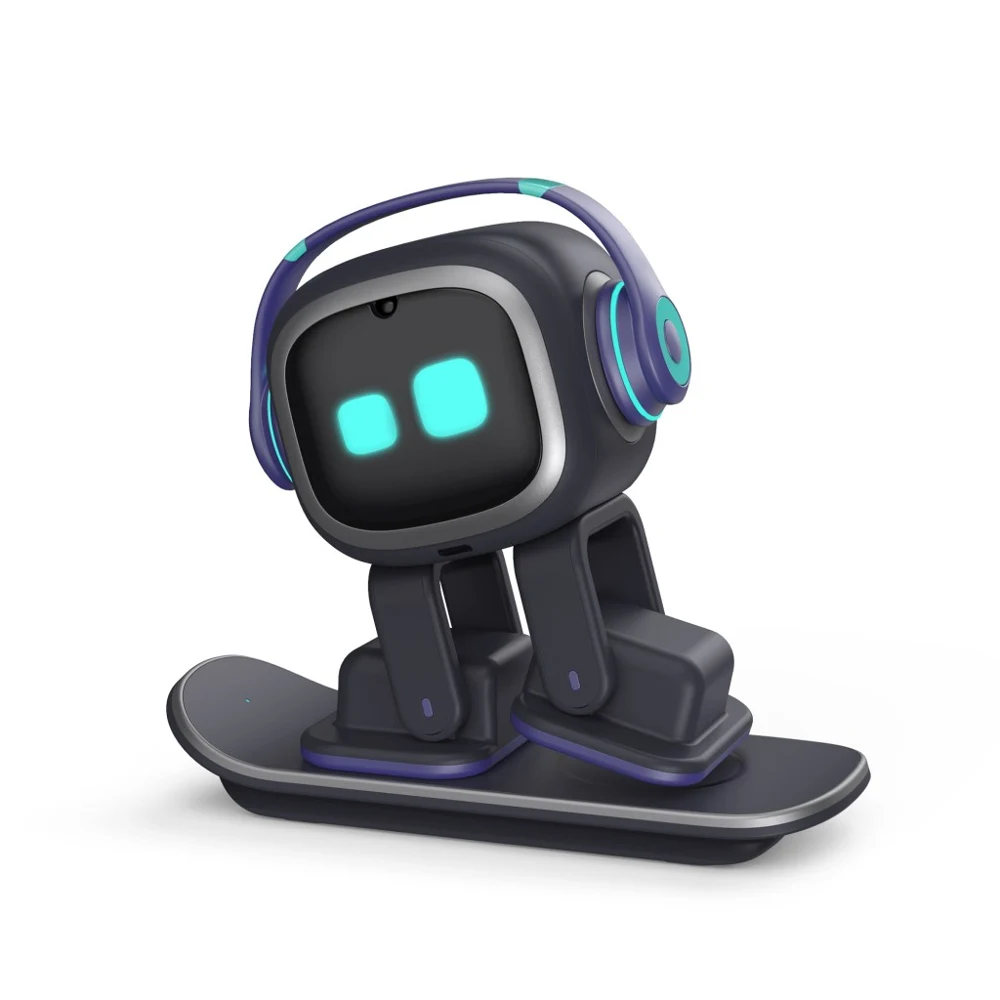
Discuss this requirement ↗ 03 Portable & desktop assemblies For portable displays and AI desktop terminals, balance weight, thickness, image quality and power.
Discuss this requirement ↗ CUSTOMIZATION & SPECIFICATIONS
Define the details that matter. Match before integrating Align display area, touch area, cover borders and enclosure aperture before assembly.
Choose bonding for the environment Discuss air or optical bonding around reflections, clarity, thickness and service requirements.
Validate touch and display together Validate display and touch with the host, software, cables and power environment against agreed acceptance criteria.
Selection & specification review
Component combination CTP / PCAP + LCM with coordinated cover and touch area
Bonding structure Evaluate air / optical bonding for optical, structural and service needs
Connections Confirm display and touch connections; discuss driver boards and cables
Supply scope Agree inclusion of covers, boards, cables, structures and device tuning QUESTIONS THAT HELP YOU CHOOSE
Start with the right questions. What information is needed for a custom TDM assembly? Provide the application, target size, touch interaction, host interface and assembly drawings. DaMing evaluates CTP/LCM matching, bonding, covers, cables and driver boards; supply scope is agreed per project.
Select requirements and contact DaMing ↗ LET’S BUILD WHAT’S NEXT
Let’s evaluate your requirements. Share your target size, interfaces, drawings and operating environment for a project-specific recommendation.
Contact our product team ↗